Slack is where work happens — standups, decisions, customer reports, "did anyone see this?" Most of those messages don't need a human to triage. They need someone with infinite attention.
That's the agent. You don't build a Slack app. You connect once and describe what you want.
What you can actually automate
Triage your DMs and mentions
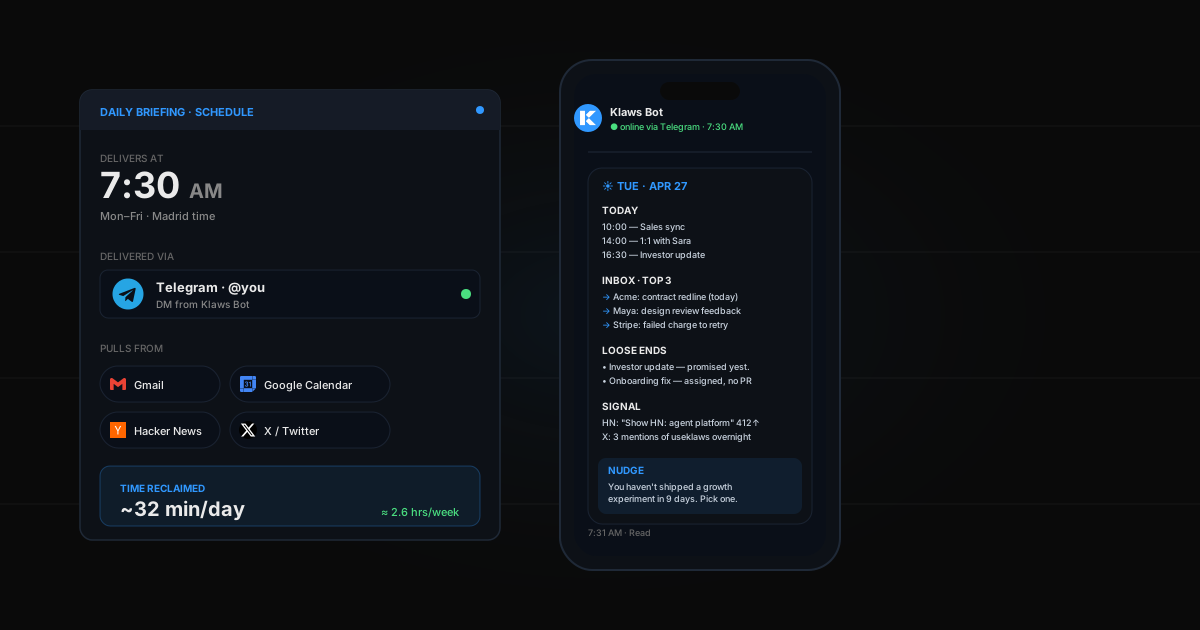
Every morning, your agent scans the channels you care about and sends you one summary: who needs you, what's on fire, what can wait. No more scrolling 14 channels at 9am.
Answer the same question, every day
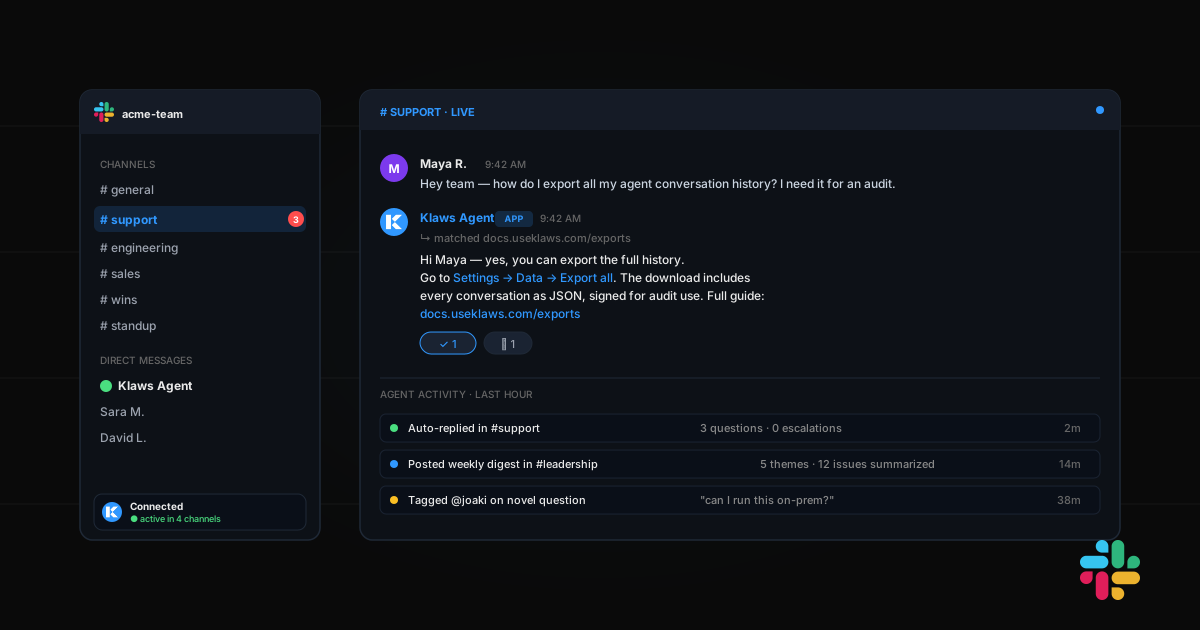
Customers ask "how do I export my data?" 30 times a week. Your agent watches #support, replies with the right doc link, and tags a human only if the question is actually new.
Summarize threads on demand
Long thread you missed? Type @agent tldr and get a 3-line summary plus the open questions still unresolved.
Catch decisions and action items
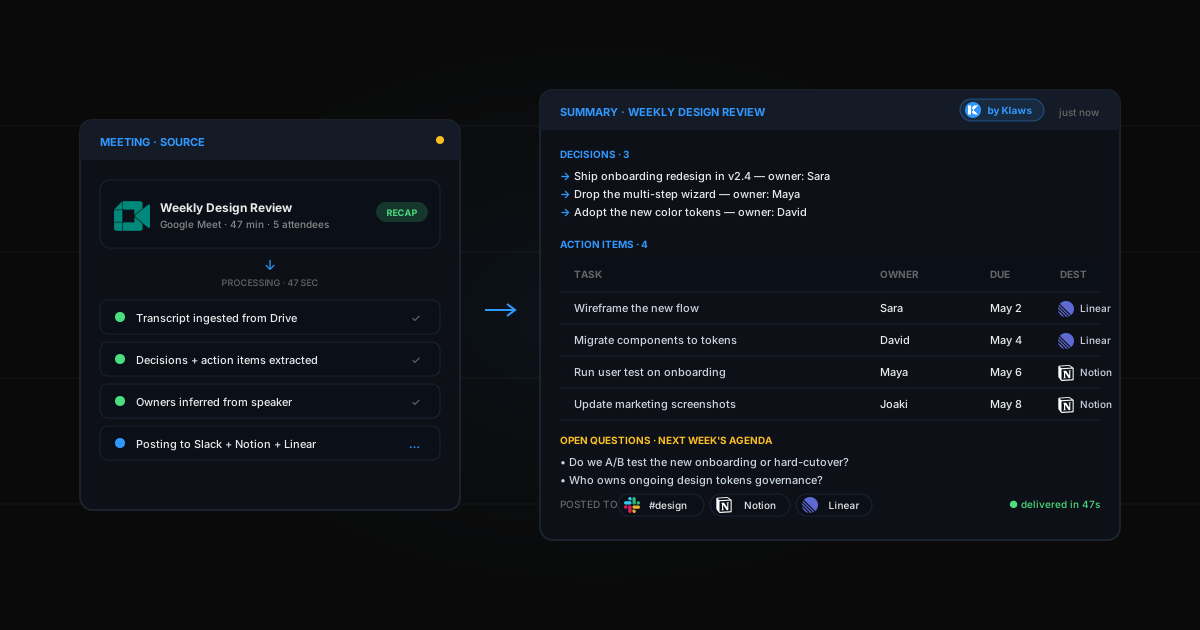
When someone says "let's go with option B and ship Friday," your agent logs it. End-of-week, you get a clean list of every decision that landed in Slack, by channel.
Standup automation
At 9:30am Monday–Friday, your agent posts in #standup, collects async replies, and rolls them into one digest pinned to the channel.
Cross-channel alerts
A customer drops a critical bug in #feedback? Your agent pings #engineering. A deal closes in #sales? Your agent posts the win in #wins. One brain, every room.
The old way (painful)
- Read the Bolt for JavaScript docs
- Set up a Slack app, manage scopes, request workspace approval
- Stand up an HTTP server with a public URL
- Implement event subscriptions, slash commands, interactivity payloads
- Deploy somewhere with uptime
- Maintain it as Slack's API evolves
Time investment: A weekend, minimum. Maintenance: forever.
The Klaws way
- Connect Slack from Integrations
- Authorize the workspace
- Tell your agent what you want it to watch and do
Time investment: Under 5 minutes. Maintenance: zero.
Step-by-step setup
Step 1: Connect Slack
- Open Klaws, go to Integrations
- Click Slack
- Click Connect to workspace
- Approve the OAuth scopes (read messages, post, react, threads)
You're back in Klaws. Slack is connected.
Step 2: Pick the channels it can act in
By default, the agent only reads channels you explicitly invite it to. Type /invite @YourAgent in any channel where you want it active. This keeps it out of HR, exec, and anything sensitive unless you opt in.
Step 3: Describe what you want
In your Klaws chat, write a plain-English brief:
"Watch #support. When someone asks a question that matches our docs at docs.example.com, reply in-thread with the answer and the link. If the question doesn't match anything, tag @joaki. Every Friday at 4pm, post a summary of the week's top 5 issues in #leadership."
That's it. Your agent sets up the listeners, the schedule, and the routing.
Step 4: Watch it work
Open Slack. The first time someone hits a trigger, you'll see your agent reply, react, or post. The thread shows up in your Klaws activity log too — you can read every action it took and why.
Real examples
Two-person startup
"In #customer-feedback, when someone reports a bug, summarize it as a Linear-ready ticket and DM it to me. When someone shares a feature request, add it to a running list and post the top 5 every Monday."
Founders stop losing feedback in Slack scroll.
Support team
"Auto-reply to FAQs in #support using our help center. For anything novel, tag @support-lead within 90 seconds and create a thread with a draft response they can edit and send."
First-touch response time drops to under a minute.
Engineering team
"At 5pm every weekday, post a deploy digest in #engineering: what shipped, who shipped it, link to the PR. Include a one-line summary per merge."
No one has to write the changelog anymore.
Sales team
"When a deal closes in HubSpot, post a celebration in #wins with the customer name, ARR, and the rep. Tag the rep so they can react."
Cross-tool wiring without Zapier.
Privacy and control
- Channel scoping — agent only acts in channels it's invited to
- Pause anytime — toggle the integration off and the agent stops, instantly
- Audit log — every Slack action is logged in your Klaws activity feed
- No DM scraping — your agent never reads DMs between other people; only DMs to itself
Common mistakes
- Too many triggers on day one — start with one channel and one job. Expand once it's reliable.
- Vague briefs — "help with support" is fuzzy. "When the message contains 'how do I export', reply with [doc link]" is clear.
- Skipping the dry-run — ask your agent to describe what it would do before turning it on. Cheap to fix mistakes pre-deploy.
Beyond Slack
The same agent handles Slack AND Discord AND Telegram AND Gmail. One memory across all of them. A question your customer asked in Slack on Monday is context when they email you on Friday. New to all this? Start with how to deploy your first AI agent in 60 seconds.